
Run your shop's work orders from one place, start to finish
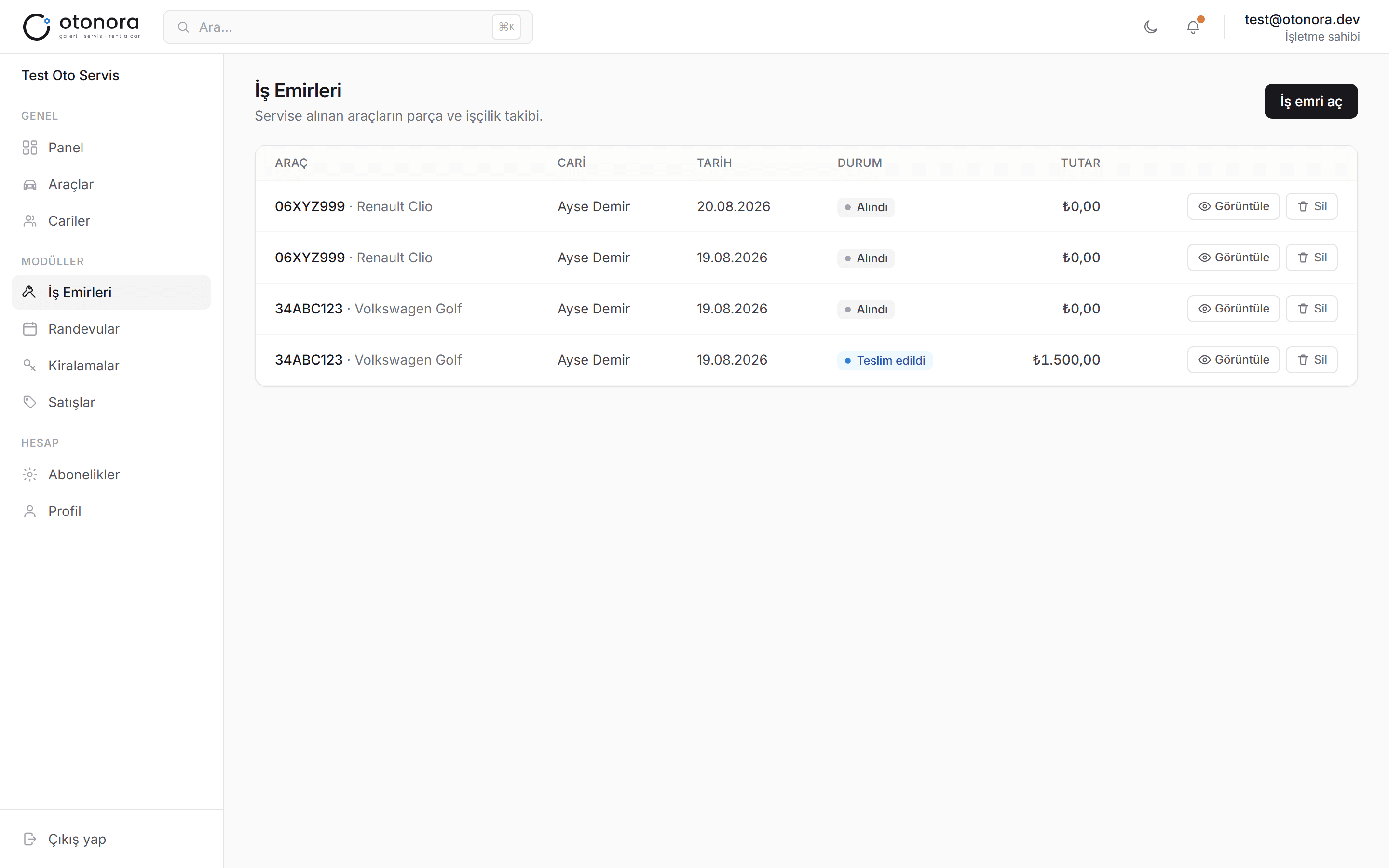
Otonora's repair-shop module covers your whole process — from booking an appointment to opening a work order, tracking parts/labor line items, and assigning technicians — in one work order management software.
No credit card required · Set up in minutes
What you can do
Appointment → work order flow
Turn a customer appointment into a work order with a single check-in click — nothing falls through the cracks.
Parts / labor line items
Add separate parts and labor line items to each work order; the total is calculated automatically.
Technician assignment & status tracking
Assign a work order to a technician and track its status — received, in progress, completed — from a board.
Automatic billing on completion
When a work order is completed, the amount is posted to the customer's account automatically.
Maintenance reminders
Mileage-based service intervals and insurance/inspection expiry dates are calculated automatically and sent as notifications.
Shared vehicle records
A car in for service can be up for sale at the dealership or out on rent at the same time — no duplicate records.
Get started in three steps
Book an appointment
Create an appointment with customer and vehicle details.
Check the vehicle in
Turn the appointment into a work order with one click, add parts/labor.
Complete it
Update the status when done; the amount posts to the account automatically.
Frequently asked questions
How many staff can I add in the auto repair software?
No limit — add every technician and staff member on your team under one business account.
Can I add parts and labor as separate line items?
Yes, add as many parts and labor line items as you need to a work order; the total is calculated automatically.
Can I open a work order without an appointment?
Yes, appointments are optional — you can create a work order directly if you prefer.
Can I see the same vehicle in both the repair and dealership modules?
Yes. Vehicle records are shared across every module — a car can be in for service and up for sale at the same time.
Need something else for your business?
Bring your shop to Otonora today
Sign up, invite your team, and open your first work order within minutes.